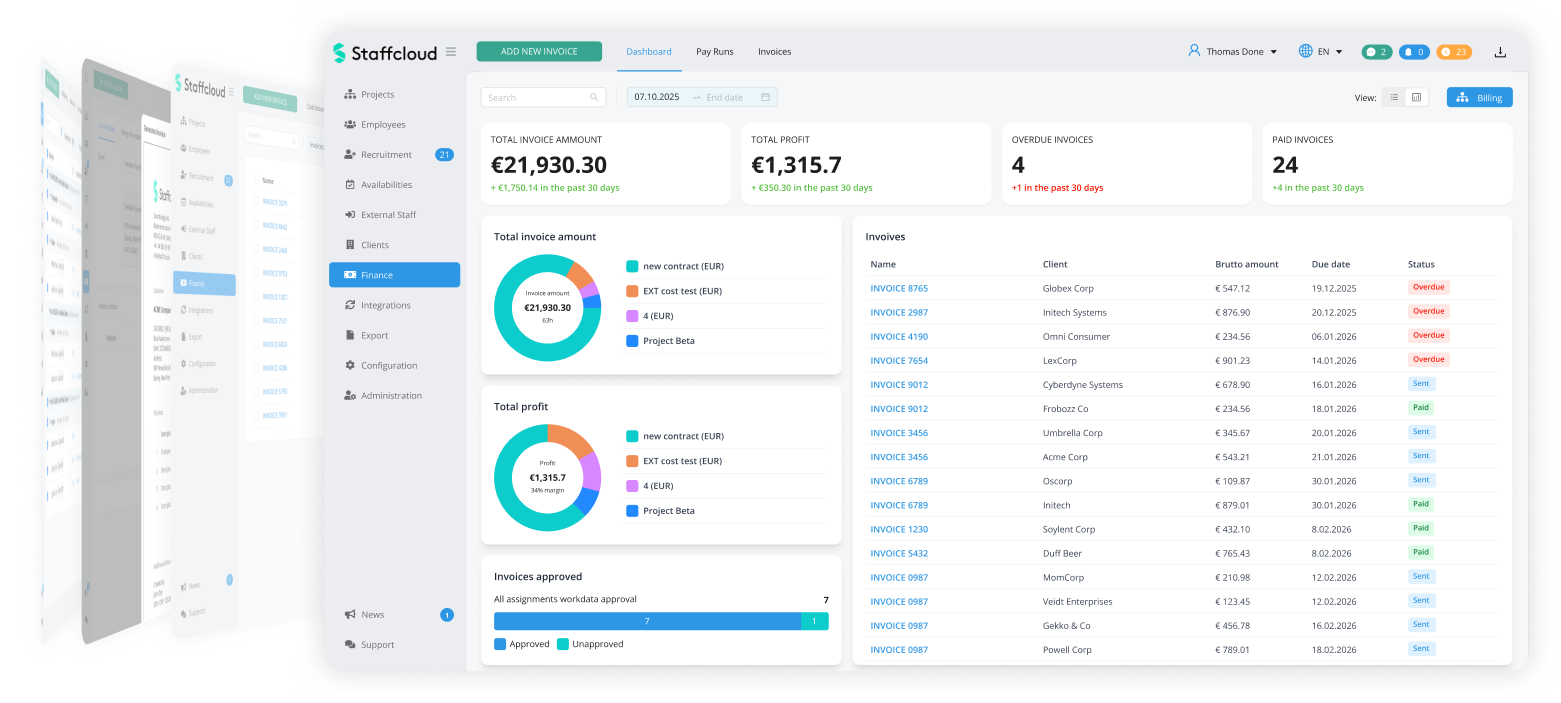
Turn your assignments into revenues
Bill clients for staffing projects and send them e-invoices directly. Simply set your gross margins in the dashboard.
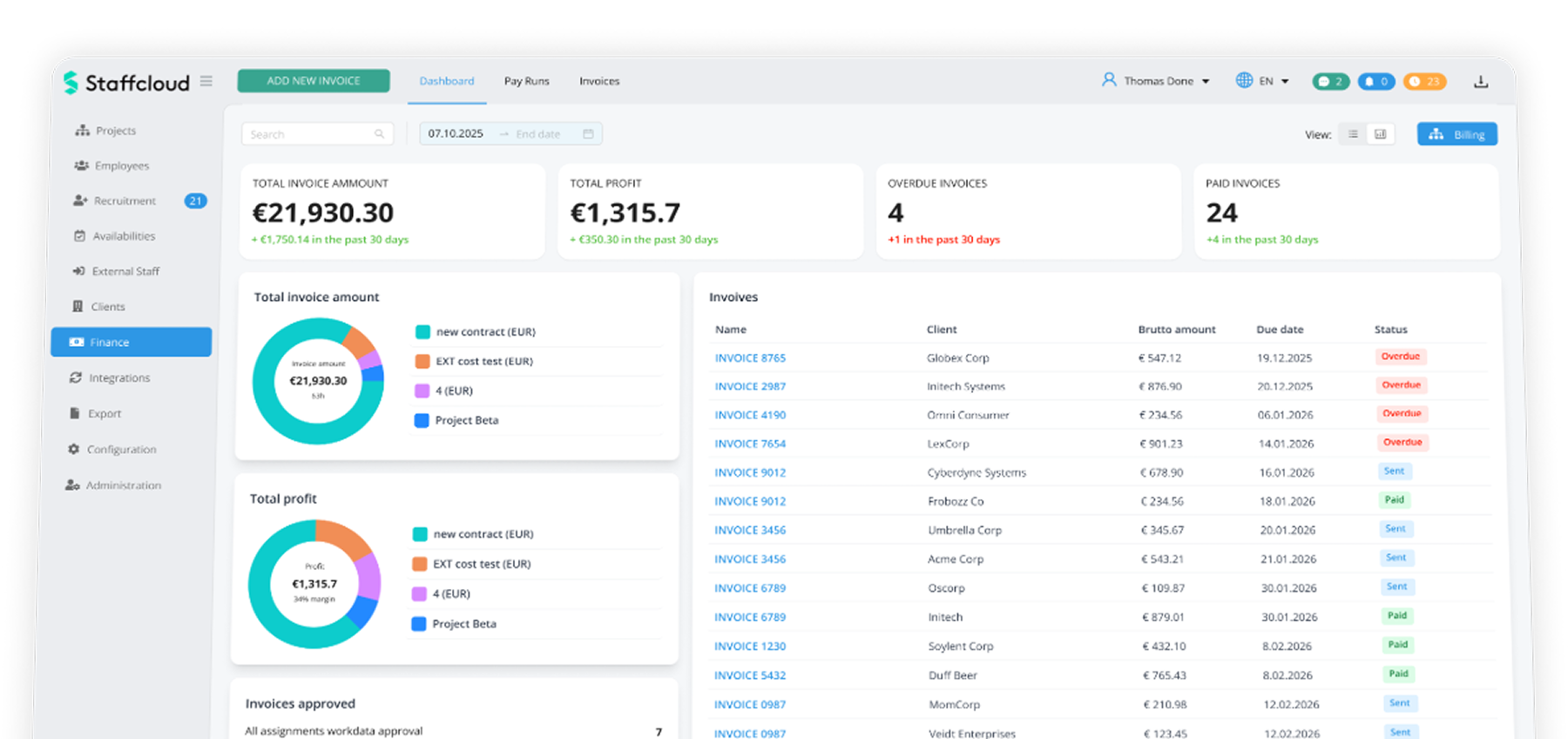
Invoices
1Create Invoice
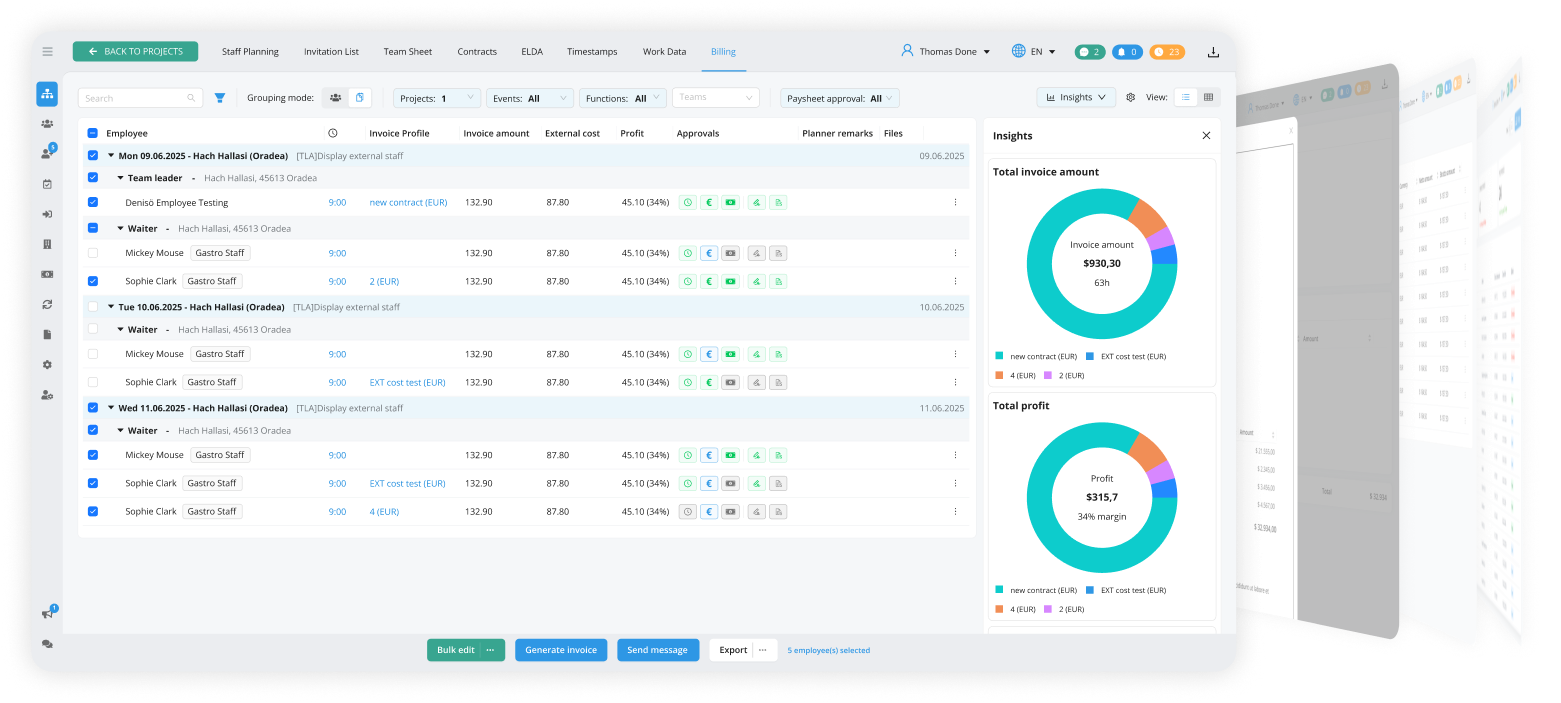
The final step in the project: Billing!
Your project is complete, now it's time to create an invoice with just a few clicks. Pull together all the items from the project into one invoice. Add any additional items that are not directly related to personnel, and create the invoice with one click.
2Send Invoice
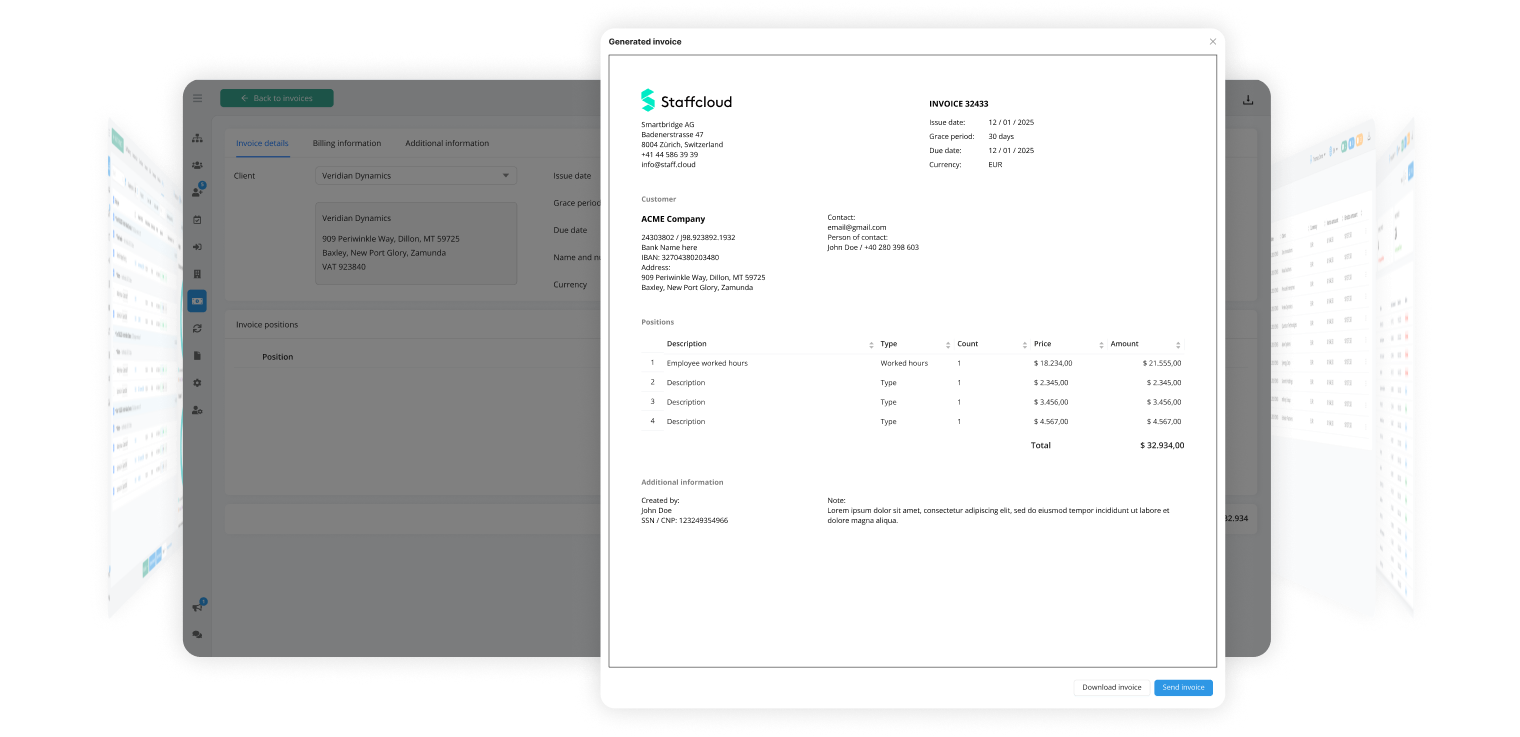
Send the E-Invoice
Review the created invoice and then choose whether to send the E-Invoice directly to your customer or download the invoice as a PDF.
3Payment Overview
Open and Paid Invoices
The invoices have been sent. Now keep track of the status. If the invoice is paid, you can now close and archive your project.
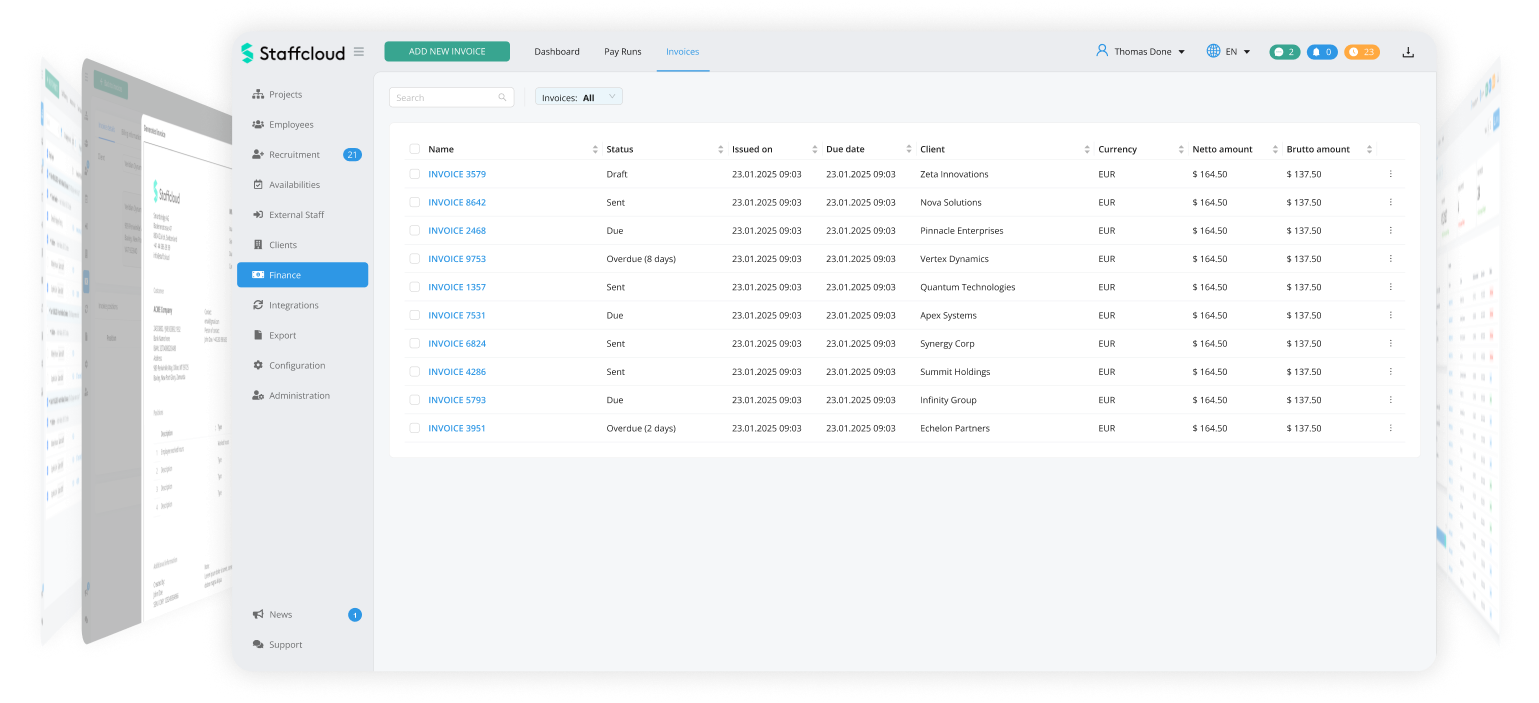
4Overview
Open and Paid Invoices
The invoices have been sent. Now keep track of the status. If the invoice is paid, you can now close and archive your project.