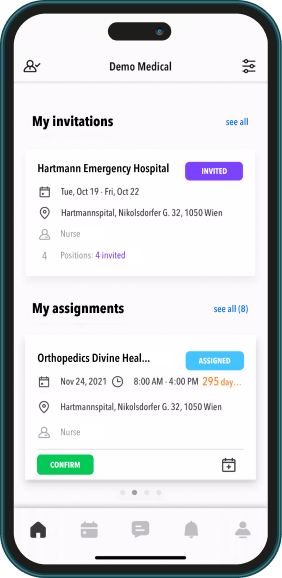
Your employees take out their smartphones at the start of work, during breaks, and at the end of work to scan a QR code.

Your employees send timestamps from the employee app. Geodata can also be transmitted, along with optional documents (e.g., expense receipts).

From the employee app or desktop, work data proposals, expense entries, mileage, or photographed receipts can be submitted.

From the employee app or desktop, work data proposals, expense entries, mileage, or photographed receipts can be submitted.
Easy check-in and check-out. Post QR codes at one or more locations. Your employees take out their phones upon arrival, open the Staffcloud app, and photograph the QR code. The same applies during breaks and at the end of work.
Have employees send timestamps with geodata and save the hassle of timesheets. Your field employees open the app at the start of work and send the first timestamp. Along with the transmitted times, geodata is also sent - but only if the employee consents (GDPR). As a manager, you set specific rules to restrict when your employees can check in, ensuring they can only do so when they are actually at work.
Accurate to the metre
You set the rules for location-based time tracking. For example, you may require that clocking in via the app is only possible once staff members have arrived on site and logged into the company Wi-Fi.
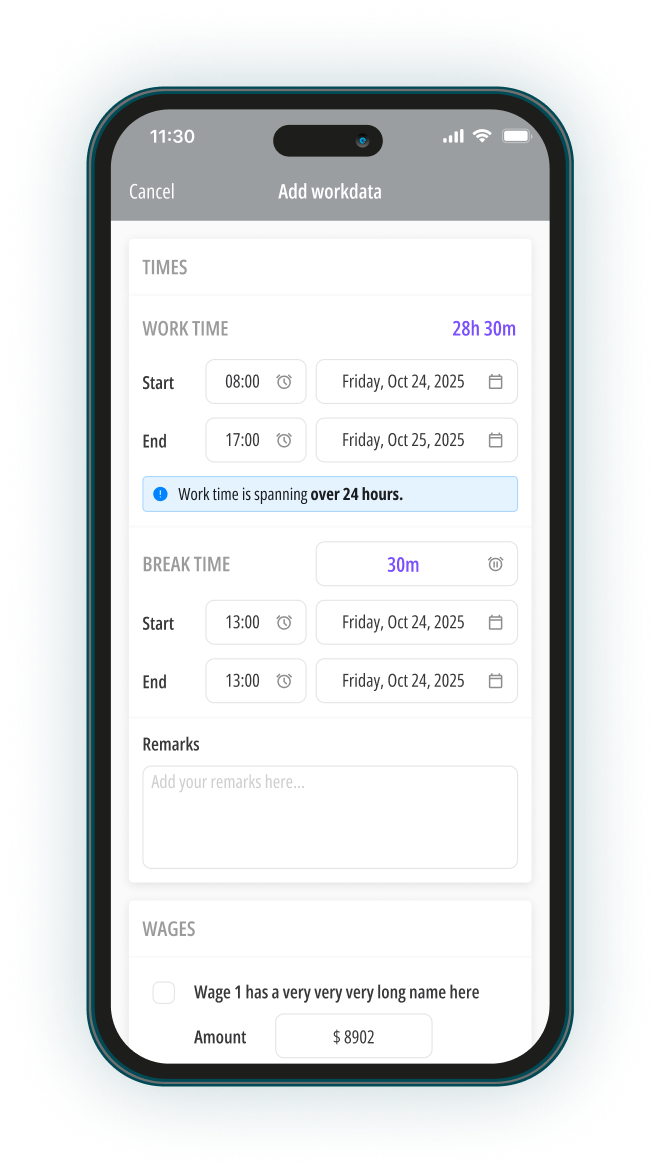
Annoying work reports or timesheets sent by mail or email are unnecessary. The same data can also be transmitted through the employee app. This data goes directly into the corresponding project and can be used for payroll processing.
Client confirmation with digital signatures
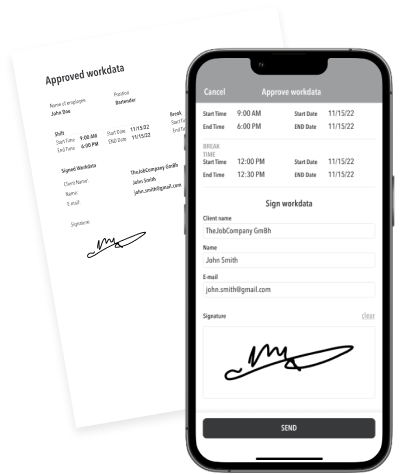
Once the job is done, all that is left is for your customer to approve the worksheets. Make manual recording a thing of the past; simply invite customers to digitally sign off on work hours – either for individual employees or whole teams. Once signed, both parties receive a PDF containing the approved work times in their respective inbox.
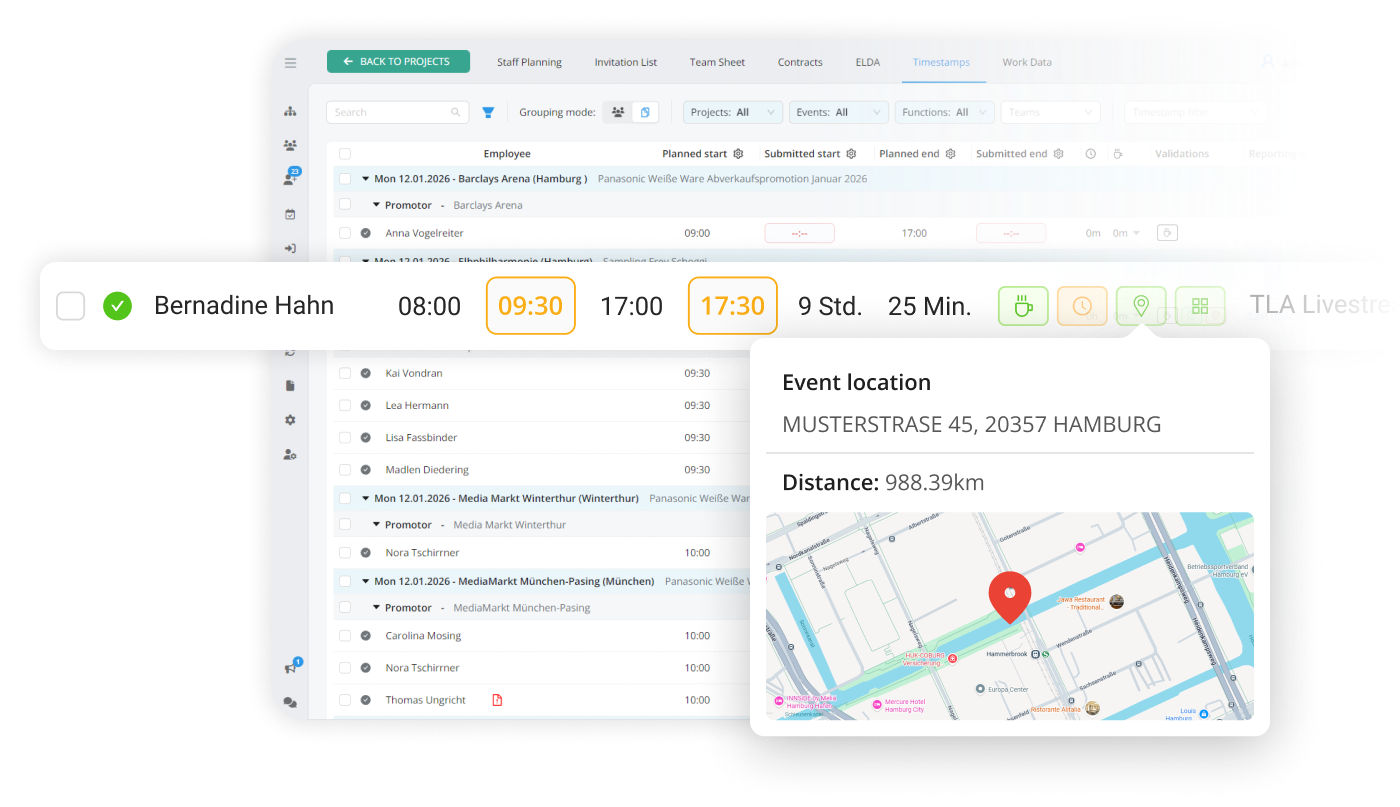
Monitor the working hours submitted by your employees. You can now accept, modify, or reject them. Along with the proposals, employees can also submit their expenses. This data will then flow directly into payroll processing.